How to give feedback on design (that your web-designer will thank you for!)
A crucial part of any webdesign process is giving feedback on design. If you’re loving your website at the first design feedback opportunity you’re probably feeling less stressed about this (people tend to find positive feedback more comfortable to give than constructive feedback). But if you receive a design to review that you want significant edits made on, or your designer missed the brief, you’re probably feeling more uncomfortable about how to give that feedback.
Either way - with nearly 40% of people finding any type of feedback difficult to give, it’s likely that you’re wondering how best to structure and communicate feedback for your webdesign so that it’s as useful as possible for them and gives you the best possible result for your website.
Giving really useful feedback on your website will ensure that your web designer is able to easily understand and implement the input you've given ultimately giving you the best website possible at the end of the process. Giving ineffective feedback (or no feedback at all) risks you ending up with a website that you’re not happy with.
Here are my top tips for giving feedback on design that your web designer will thank you for!
1. Understand how your designer’s feedback process works
Designers all manage their processes differently. Some have unlimited revisions within a fixed time period (this is how I roll), others have a fixed number of revisions. Some have project management systems, others use googledocs. Some prefer design feedback to be given live, others prefer loom videos or written design feedback. Knowing how the process is managed will help you be prepared to make the most of this important stage of the process.
This is a great question to ask even before you sign on the dotted line - for more great questions to ask a potential webdesigner read this.
2. Start with clear goals and strategy for your website design project
Before you get anywhere near to the design feedback point of the process - any strong web design process needs you and your designer to start with a clear objective for your website and a strategy to achieve this objective. Having this in place will enable you to have something to evaluate your website against when you're feeding back on it.
For example, if your key objective is to increase bookings for your massage business and your ideal client is a 25-30 year old women who have an affinity with alternative therapies - your website should be designed with this audience in mind, and the mechanism for them to book an appointment should stand out and be absolutely clear. This is then something you can evaluate your website design against when you're providing feedback.
3. Give clear and specific design feedback on your website

This may sound obvious, but the clearer and more specific you can be with the feedback you give your designer the easier it will be for them to implement the changes you're requesting. Here are some techniques you can use to improve the clarity of your feedback to your web designer:
A visual can help you be clear with your website feedback - for example you can use a screenshot (I love this chrome plug in for full page screen shots) that shows an example of what you're aiming for or alternatively an annotated screenshot of a section of your website in it's current form that shows clearly what you'd like moved or changed.
If you're providing written instead of visual website feedback, ensure you're clear about which page, where on the page and what you'd like changing. A good litmus test for how clear your feedback is, is to get someone else to read the feedback you're providing and see whether they can understand what you're asking for.
For more complex feedback on your website a great way to provide this to your designer can be via a video call or a recorded Loom video. I often share a screen with my clients so that we can see the changes in real time and I can be really sure I've understood exactly what they're seeking to achieve with their changes. Check out with your designer if their process allows for this.
4. Explain why - give a rationale for your design feedback
Why you're giving certain design feedback on your website is really helpful information for your designer to understand - it helps to give them a context behind the feedback you're giving and better enables them to implement the right amends or changes to meet your objectives. Sometimes they may even have a suggestion of a better way to achieve what you're looking for if you take the time to explain why.
For example "Change the colour of X text" is improved by saying "Change the colour of X text to Y colour so that it stands out more".
5. Give feedback to your designer with one voice
If you have colleagues, friends and family who are supporting the website design process you can find yourself with a lot of different voices in the feedback mix.
A universal truth is that there are as many opinions as people out there and one thing guaranteed to make life challenging for your web designer is multiple people feeding back on your website. The reason this is challenging is because very often the input will conflict and be contradictory giving your web designer a big challenge when they try to satisfy everyone!
To solve this challenge - gather all of the design feedback together collating it and identify the common themes before sharing the feedback with your web designer. It will also help you identify any areas of disagreement between you and your team/ family and allow you to address these before proceeding.
Other webdesign blogs for small businesses






6. Be honest with your designer when giving feedback
I get it - you're a nice person, you don't want to hurt the feelings of your designer. But actually by "being nice" AKA - not sharing your honest feedback - you're doing yourself and your designer a disservice.
I once had a client who, at the very beginning of the project said to me when I asked if they had any questions "I'm just not sure what to do if I don't like it".
I was so glad they said this! It meant I was able to reassure them that I have a thick skin, and more importantly than that my job is to ensure they have a great website that they're proud of.
My client understanding this up front helped them have the confidence to give me useful, direct feedback throughout the process and meant they ended up with a website that they loved! This is what they had to say about it…
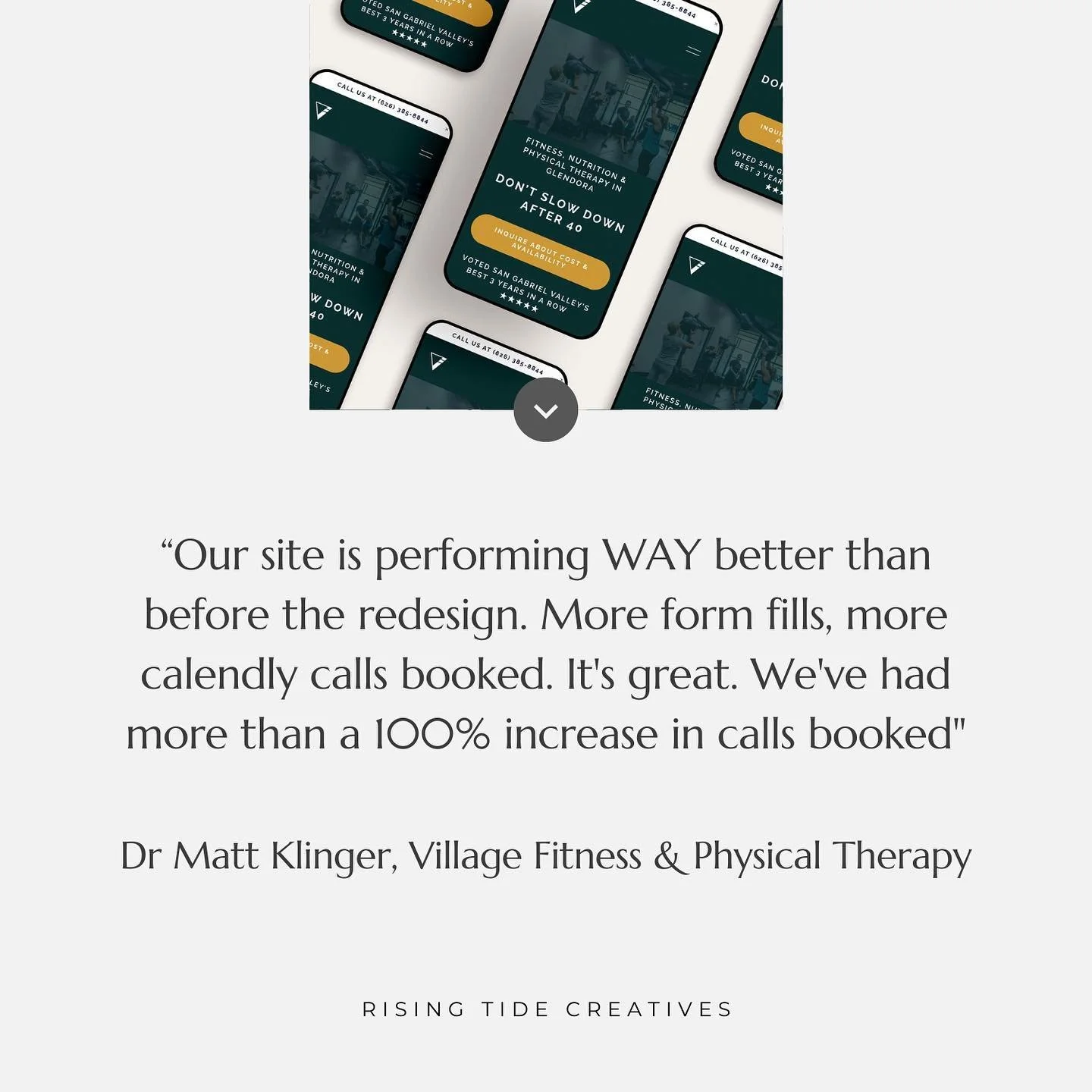
“My new website is everything I wanted - warm and cozy yet simple and beautiful. I have had so many compliments on my new site and I can not wait to share it with future clients”
Top tips for an open and honest dialogue with your web designer
Let your designer know from the beginning if you're worried giving feedback might be difficult for you, your designer being aware will enable them to help you with that process.
Be as clear as possible with your requirements and brief from the beginning - it will give you both a clearer understanding of the website objective to refer back to.
Where possible use the original brief to explicitly refer back to e.g. "we had agreed a consistent colour scheme of XYZ colours - this colour of this button is not within that colour palette, can it be changed so it's in line".
Be as objective and factual about your feedback as possible will help keep it feeling un-emotional.
7. Give feedback on your website in one go (and avoid email where you can!)
Your designer will really thank you for sending your feedback in one go rather than in dribs and drabs. This will help them review and understand it in its entirety which will help them act on it in the most strategic and efficient way.
All designers will have different preferences for how feedback is provided, but I'd suggest strongly to stay away from email where possible - it can be really hard to keep track of. Instead try using googledocs, or a project management software which allows you and your designer to keep track of the feedback and how it was actioned.
Pro tip - It can help to review the whole website in one go, noting down any things you don't like or are not sure about and then looking at those all together at the end so you can see any trends and then communicate these as one clear message.
8. Be on time with your web design feedback
Timelines and deadlines are important in web design projects as the next stage very often relies on the stage before. Your designer will need you to hit all of the deadlines they've given you to ensure that the project runs on schedule and your website can be launched on time. To help you to manage this, it's a great idea to block time in your calendar to review and provide feedback on your website well ahead of time to make sure you don't end up too busy to give this important stage of the project the time it deserves.
Ultimately, the reason you want to give great feedback to your designer is to give you a great website, so my final top tip is that if you’re not sure - ask your designer directly how to give feedback to them in a way that will best enable them to create you the best possible website.
Found this useful? Let me know in the comments, and sign up below to get more small business and website tips and support straight to your inbox…


New on the ‘Gram…